
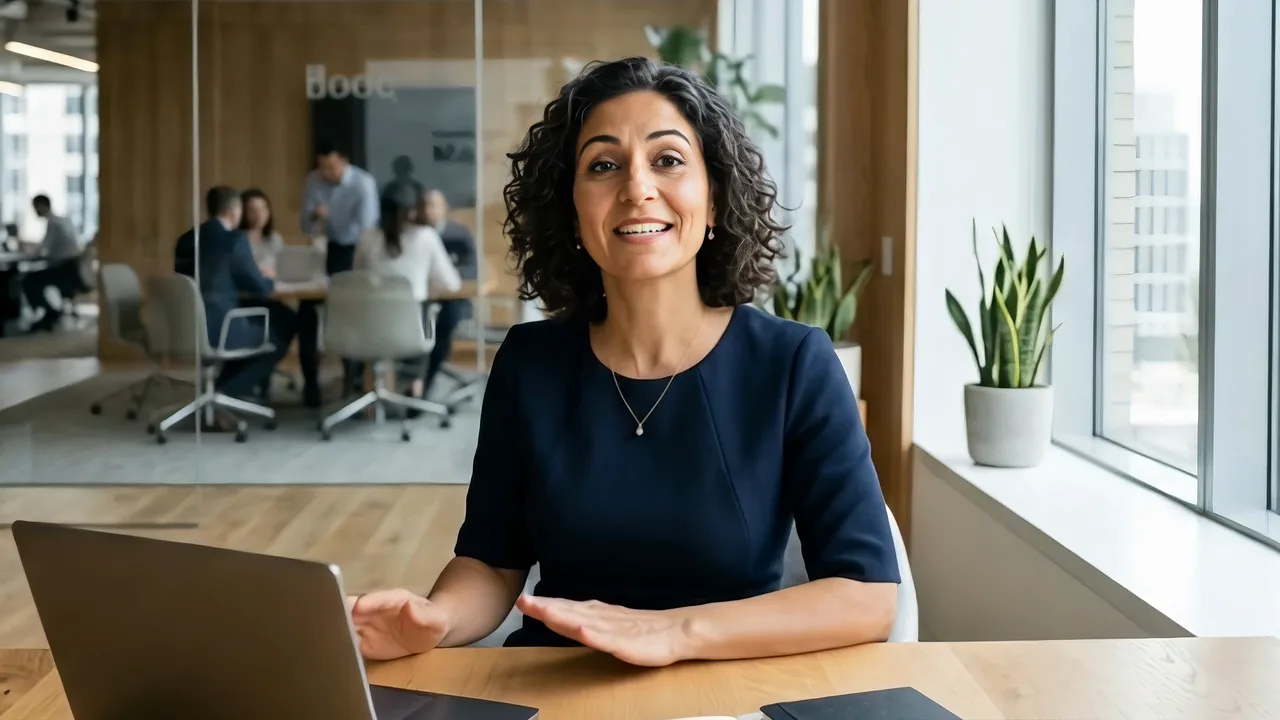
VisionStory’s native character model turns one image plus text or audio into an identity-consistent performance with natural expression, gestures, and lip-sync.
- Text or recorded audio
- 720p, 1080p, or 2K
- Up to 10 minutes
VisionStory model catalog
VisionStory combines our own V-Character model with selected partner models for talking avatars, cinematic video, image generation, and multimodal creative work.
Use this page to compare strengths. Use the model-list endpoints as the source of truth before sending a request.
Public API models
These models map directly to public VisionStory API workflows. Availability and accepted parameters remain discoverable at runtime.
VisionStory’s native character model turns one image plus text or audio into an identity-consistent performance with natural expression, gestures, and lip-sync.
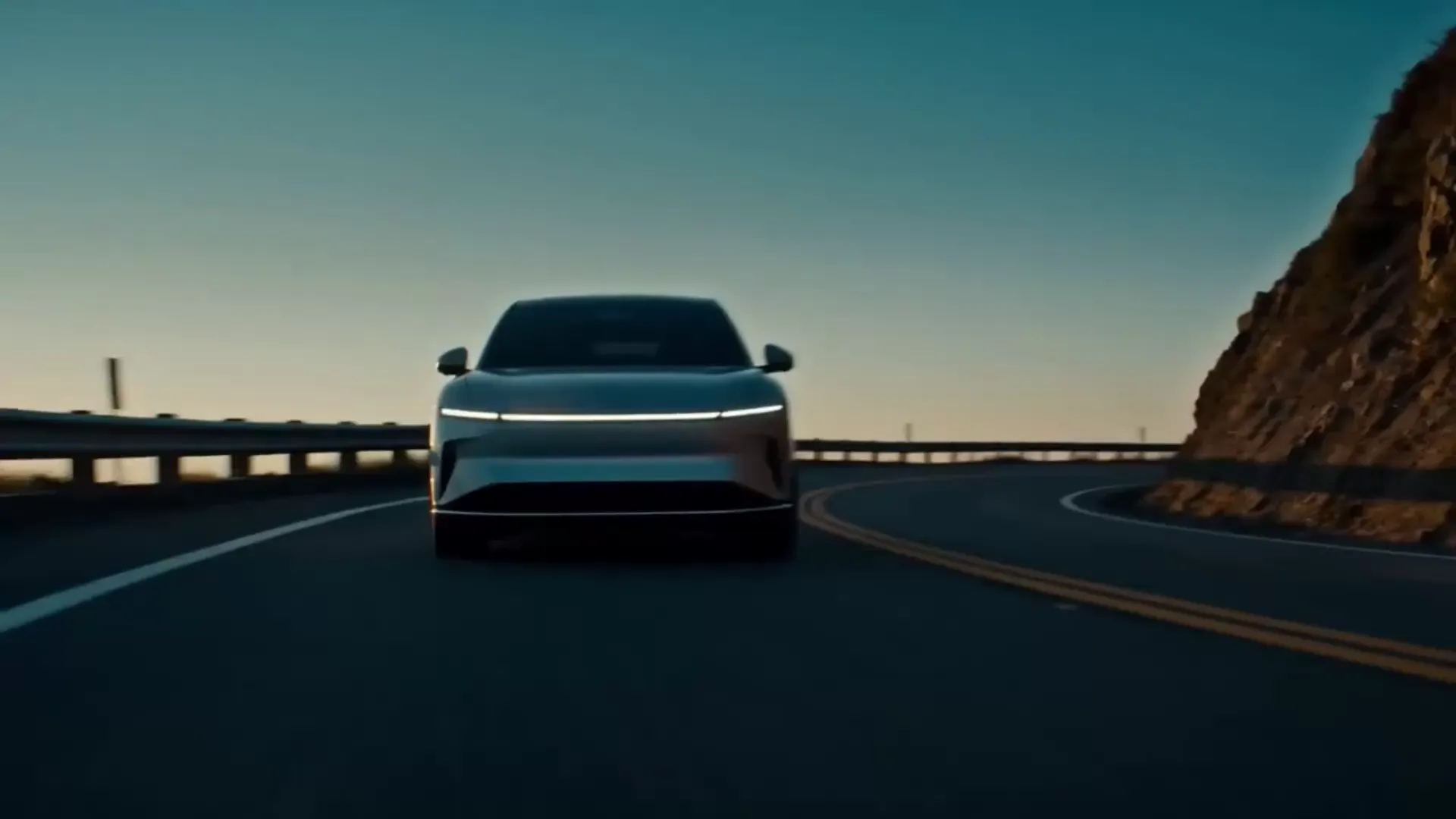
The latest Seedance family model for prompt-led and image-led video generation, longer single clips, coherent motion, and native audio.

A balanced image model for fast generation, high-resolution output, reliable text rendering, and conversational edits guided by reference images.
A multimodal video model for longer 1080p stories, reference control, and synchronized audiovisual generation.
Generate text-to-video or first-frame-guided clips up to 4K with Kling 3.0, or use image and video references with Kling 3.0 Omni.
Model selection guide
The best model is the smallest reliable choice for your quality, control, duration, and cost requirements.
Talking avatar video
vs_character_v4Use V-Character 4.0 for talking-avatar video. It supports 720p, 1080p, and 2K output with stable motion and natural lip-sync.
Frontier AI video
seedance-2.5Use Seedance 2.5 for clips up to 30 seconds, Wan for image/video/audio references, or Kling 3.0 for 4K. Compare per-model limits and credit costs before submitting.
AI image generation
seedream-5.0-liteChoose Seedream for 2K or 4K options, Nano Banana for instruction-following edits, or GPT Image for generation and editing through the API. Read each model's live limits and resolution pricing before submitting.
Text to speech
Automatic selectionThe TTS endpoint selects the synthesis strategy for the chosen public or cloned voice and input language; you do not pass a public model ID.
VisionStory workspace
These model profiles are available in the VisionStory creative workspace. A profile name is not automatically a public API model ID.
Only send model IDs returned by the three public model-list endpoints. Do not derive an API ID from a workspace model name.
A frontier-scale open model for long-context reasoning, coding, and multimodal work inside the VisionStory model catalog.
Open model profile
An open-weight multimodal video model built for 2K clips, synchronized stereo audio, and reference-rich creative workflows.
Open model profileDiscover at runtime
Model catalogs evolve without changing the endpoint contract. Fetch the catalog when your application starts, validate user choices against the response, and store the returned stable ID with each generation job.
# Talking-avatar rendering models
curl -s -H "X-API-Key: $VISIONSTORY_API_KEY" \
  https://openapi.visionstory.ai/api/v1/models

# Frontier AI video models and parameter limits
curl -s -H "X-API-Key: $VISIONSTORY_API_KEY" \
  https://openapi.visionstory.ai/api/v1/ai_video/models

# Image models, resolutions, reference limits, and credits
curl -s -H "X-API-Key: $VISIONSTORY_API_KEY" \
  https://openapi.visionstory.ai/api/v1/image/models